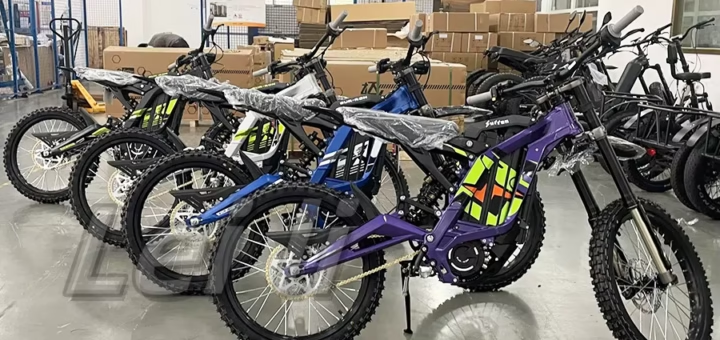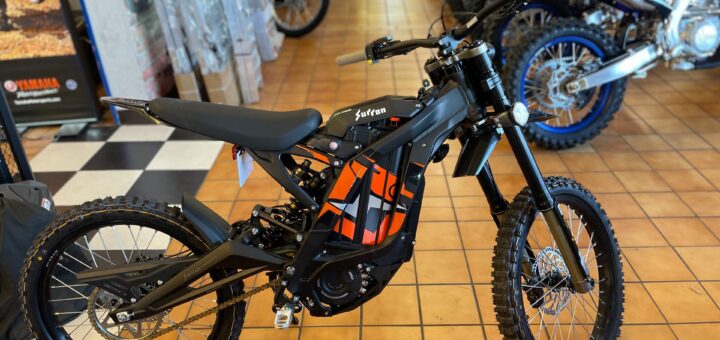
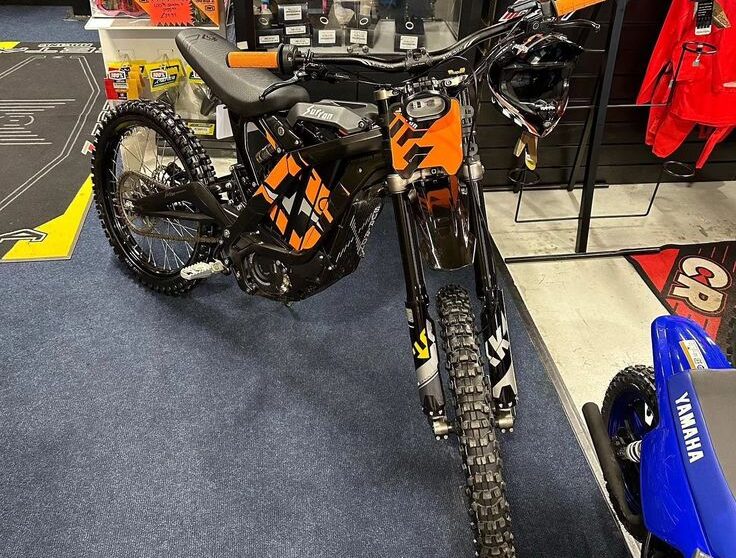

Surron controller
Ultimate Guide to the Surron Controller: Upgrades, Maintenance, and Performance Specs
In the world of electric dirt bikes, few components pack as much punch as the Surron controller. This powerhouse regulates everything from torque delivery to speed limits, turning your Surron Light Bee or Ultra Bee into a thrilling off-road beast. Whether you’re a weekend warrior ripping trails or a daily commuter zipping through urban jungles, understanding your Surron controller can unlock next-level performance. In this comprehensive guide, we’ll dive deep into what makes it tick, why upgrades matter, and how to keep it humming. Ready to rev up? Let’s shift gears.
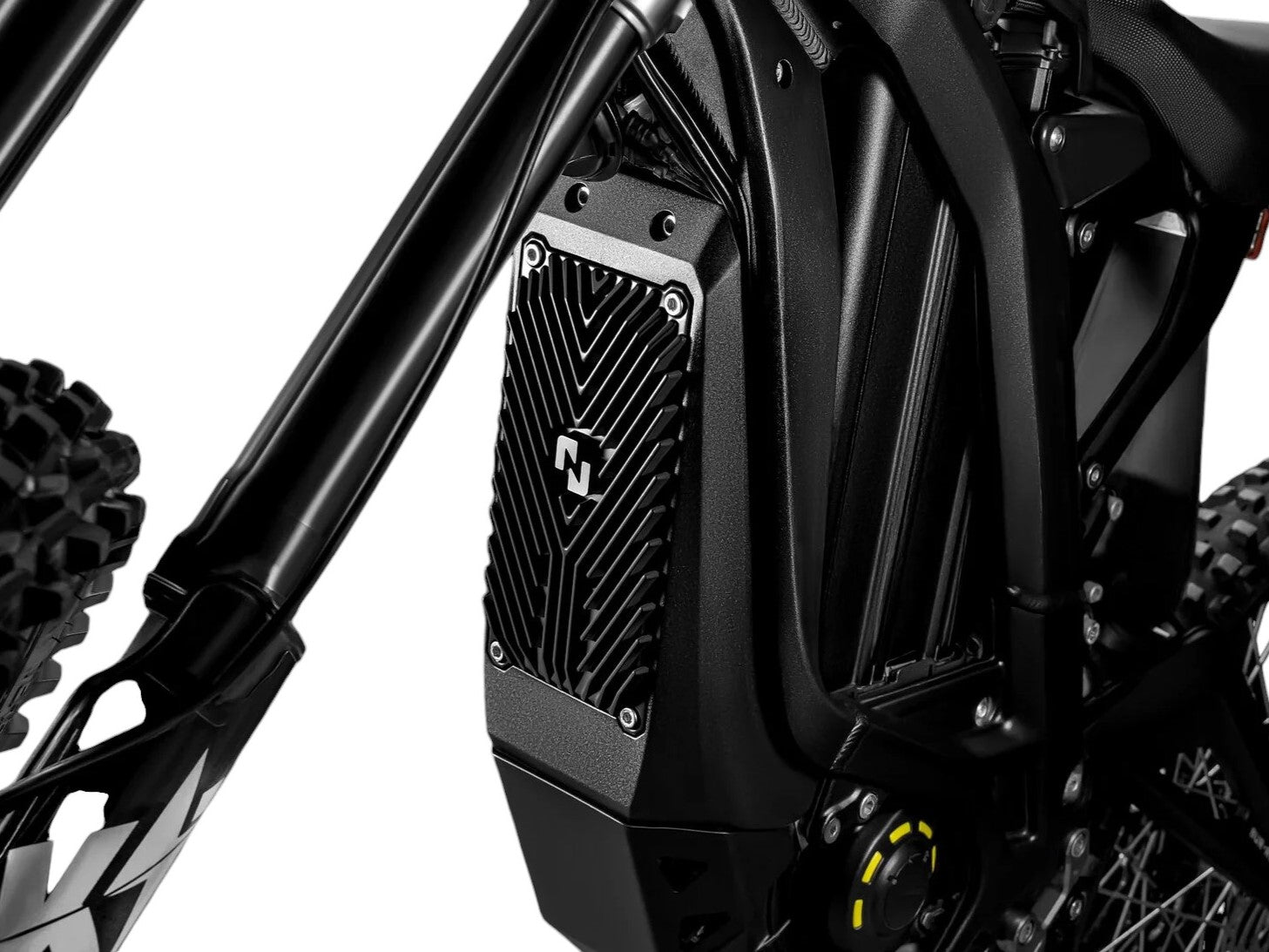
What Exactly Is a Surron Controller?
At its core, the Surron controller is the electronic brain of your electric bike’s powertrain. It manages the flow of electricity from the battery to the motor, controlling acceleration, regenerative braking, and even thermal management to prevent overheating during intense rides. Think of it as the throttle’s silent partner—without it, your bike’s raw power (up to 6kW in stock form) would be chaotic and inefficient.
Surron bikes like the iconic Light Bee X come stock with a sine wave controller, designed for smooth, efficient power delivery. It handles peak currents around 150-180 amps, translating to top speeds of 47 mph and torque that launches you from 0-30 mph in under 3 seconds. But specs are just numbers; in real-world riding, this component dictates how responsive your bike feels on jumps, corners, or climbs.
Key specs for the stock Surron controller include:
- Voltage Compatibility: 60V nominal (upgradable to 72V with mods).
- Current Handling: Up to 180A continuous, with bursts to 320A.
- Cooling: Passive air-cooled fins for durability.
- Connectivity: Basic CAN bus integration for diagnostics.
For riders pushing boundaries—think motocross tracks or extended adventures—these limits can feel restrictive. That’s where upgrades shine, offering tunable settings via apps for custom throttle maps and regen levels.
Stock vs. Aftermarket: Why Upgrade Your Surron Controller?
Out of the box, Surron’s factory controller is reliable and eco-friendly, prioritizing range over raw aggression. It caps power to extend battery life (up to 50 miles per charge) and complies with street-legal standards. However, aftermarket options from brands like KO Moto, EBMX, and Nucular crank things up, delivering 20-50% more torque and smoother control.

Here’s a quick breakdown:
| Feature | Stock Surron Controller | Aftermarket (e.g., KO or EBMX) |
|---|---|---|
| Peak Power Output | 6kW (limited for efficiency) | Up to 12kW+ with 72V battery |
| Torque Delivery | Linear, eco-focused | Aggressive, tunable curves |
| Heat Management | Basic air cooling | Active liquid cooling options |
| Customization | Minimal (firmware updates only) | App-based tuning for regen, speed limits |
| Price Range | Included in bike (~$4,500 total) | $300-$800 + installation |
| Warranty Impact | Full Surron coverage | Voids stock warranty; brand-specific |
Upgrading isn’t just about speed—it’s about tailoring your ride. Trail enthusiasts love the smoother throttle response that reduces wheel spin on loose gravel, while racers chase the extra amps for hill-climbing prowess. Data from rider forums shows aftermarket Surron controllers can boost acceleration by 1-2 seconds in quarter-mile drags.
But is it worth it? Absolutely, if you’re modding your bike. Pair it with a 72V battery upgrade, and you’ll hit 55+ mph without breaking a sweat. Just remember: higher power means more heat, so invest in a proper skid plate for protection.
Top Surron Controller Upgrades for Every Rider
The aftermarket scene for Surron controllers is exploding, with options for budgets big and small. Here’s our roundup of the best, based on rider reviews and performance benchmarks.
1. KO Moto Controller: The Powerhouse Choice
Priced around $500, the KO offers up to 400A DC and 800A phase amps—double the stock’s grunt. It’s app-tunable with multiple throttle curves, ideal for switching between eco commutes and trail shredding. Riders report 30% better hill climbs and whisper-quiet operation thanks to its sine wave tech.
2. EBMX X9000 V3: Plug-and-Play Perfection
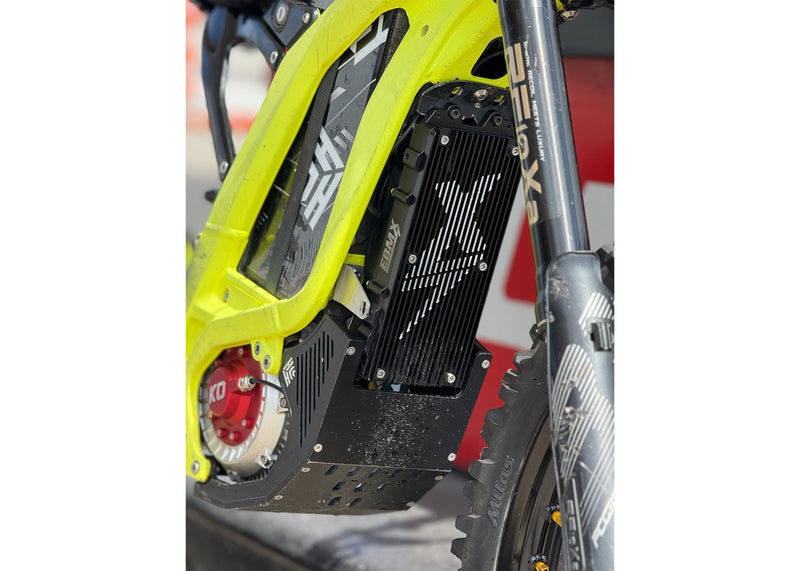
At $650, this beast is a favorite for its no-fuss install. It pushes 9kW peaks and includes a heavy-duty heatsink. Perfect for Surron Light Bee X owners, it integrates seamlessly with stock wiring, adding regen braking that recaptures 10-15% more energy on descents.
3. Nucular P24F: Race-Ready Refinement
For $700, the P24F delivers 27kW max power with Bluetooth tuning. It’s built for abuse, with IP67 waterproofing and vibration resistance. Urban riders praise its progressive power bands, while track pros love the data logging for fine-tuning.
4. Torp TC500/TC1000: Budget vs. Premium Duel
Under $400 for the TC500, it’s a solid entry-level upgrade with 500A peaks. Step up to the TC1000 ($600) for 1000A bursts and better efficiency. Both excel in wet conditions, a must for rainy trail days.
5. ASI BAC4000: The Custom Tuner
DIY enthusiasts swear by this $550 unit for its open-source software. Customize everything from current limits to fault codes—great for integrating with aftermarket batteries.
When choosing, match your upgrade to your riding style. Trail riders? Go EBMX for reliability. Racers? Nucular for raw speed.
Step-by-Step: Installing a Surron Controller Upgrade
Swapping your Surron controller isn’t rocket science, but it demands care to avoid shorts or warranty woes. Tools needed: Allen keys, torque wrench, multimeter, and zip ties. Time: 1-2 hours.
- Prep Work: Disconnect the battery and let it cool. Remove the side panels and skid plate for access.
- Disconnect Stock Unit: Unplug the main harness from the old controller. Note wire colors—phase wires (yellow/green/blue) to motor, thick reds/blacks to battery.
- Mount the New Controller: Secure it to the frame with provided brackets. Ensure heatsink faces airflow.
- Wire It Up: Connect phase wires first (match colors), then throttle signal (white/green), hall sensors (blue/yellow/white), and power leads. Use dielectric grease on connectors.
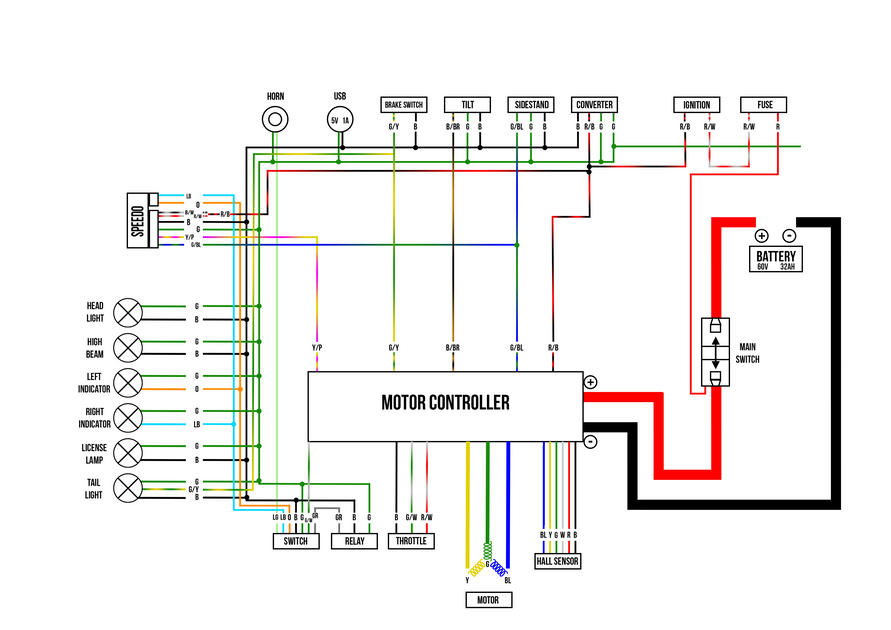
- Test and Tune: Reconnect battery, check for error codes via the Surron app. Start with stock settings, then tweak amps gradually. Torque bolts to 10-12 Nm.
Pro Tip: If you’re not comfy with electrics, hit up a local Surron dealer. Botched installs can fry your BMS (Battery Management System), costing $200+ to replace.
For visual learners, YouTube tutorials on “Surron controller swap” are gold—search for KO or EBMX specifics.
Essential Maintenance for Long-Lasting Surron Controller Performance
Your Surron controller thrives on TLC, especially under dust, mud, and heat. Neglect it, and you’ll face cutouts or reduced range. Follow these tips for 5,000+ miles of trouble-free riding.
- Clean Regularly: After every muddy ride, blast fins with compressed air. Avoid water jets near connectors.
- Monitor Temps: Use an infrared thermometer—keep under 80°C during hard pulls. Add a fan if needed.
- Firmware Updates: Check Surron’s site quarterly. Updates fix glitches and boost efficiency.
- Inspect Wires: Look for frays or corrosion monthly. Replace with 10-gauge silicone for upgrades.
- Battery Sync: Ensure your pack’s voltage matches (60V stock). Mismatched setups stress the controller.
Routine checks extend life by 20-30%, per owner reports. For deep cleans, remove the unit annually and vacuum internals gently.
Common red flags? Sudden power dips signal overheating; erratic throttle means loose hall sensors. Diagnose with a $20 OBD scanner.
The Real Benefits: Transforming Your Ride with a Surron Controller Upgrade
Beyond specs, upgrading your Surron controller reshapes the entire experience. Expect:
- Explosive Acceleration: 0-30 mph in 2 seconds flat, perfect for overtaking on singletracks.
- Extended Range: Efficient tuning recoups energy, stretching 60V packs to 60+ miles.
- Smoother Control: Variable regen prevents lockups on steep drops.
- Customization Freedom: Dial in soft starts for beginners or max aggression for pros.
Environmentally, it’s a win—optimized power cuts energy waste by 15%. Riders in forums like Reddit’s r/Surron rave about the “addictive torque,” with many calling it the best $500 mod.
Safety note: Upgrades amp speed, so upgrade brakes too. Pair with hydraulic discs for confidence.
Troubleshooting Common Surron Controller Issues
Even the best setups glitch. Here’s how to fix:
- No Power on Startup: Check battery voltage (>54V) and main fuse. Reset BMS if needed.
- Overheating Cutouts: Upgrade cooling or lower amp limits in the app.
- Jerky Throttle: Faulty hall sensor—clean or replace ($20 part).
- Error Code E01: Communication fault; reseat CAN bus plugs.
For stubborn issues, Surron’s owner manual (downloadable PDF) has codes. Community Discord groups offer real-time help.
Wrapping Up: Power Up Your Surron Adventure
The Surron controller isn’t just hardware—it’s the key to unlocking your bike’s soul. From stock reliability to aftermarket adrenaline, investing here pays dividends in fun, efficiency, and longevity. Whether you’re eyeing a KO for torque or an EBMX for ease, start with your goals: trails, tracks, or town?
Ready to upgrade? Source parts from trusted dealers like Sur-Ron Bikes or GritShift, and always ride safe. What’s your next mod? Drop a comment below—we’d love to hear your Surron controller stories.